Just buy CleanShot.
Seriously, it’s 10,000x better than the built-in screenshot utilities on macOS.
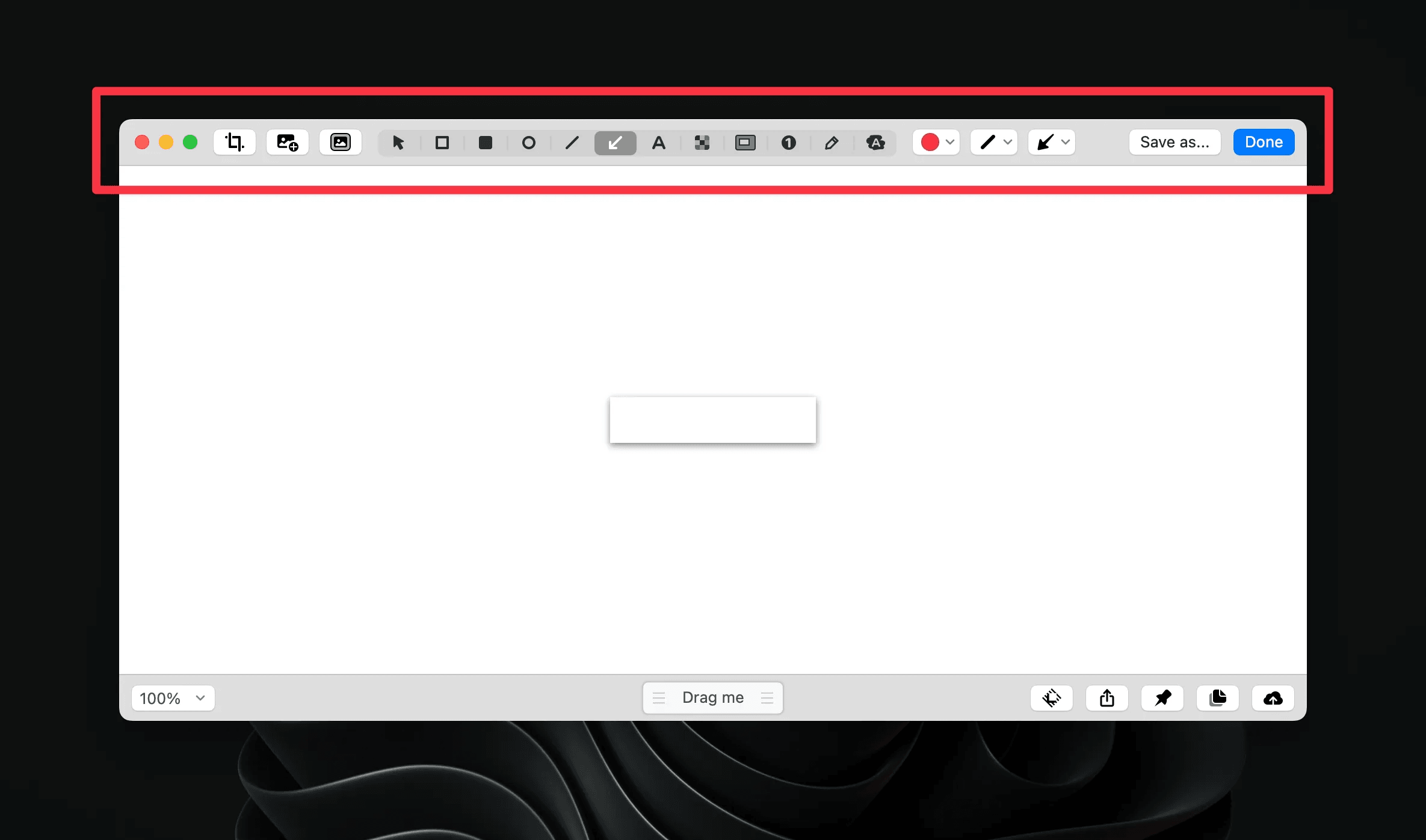
One of the most useful parts of CleanShot is the annotation tools:
Easily add arrows, text, auto-incrementing numbers, redactions, scribbles, lines, and more.
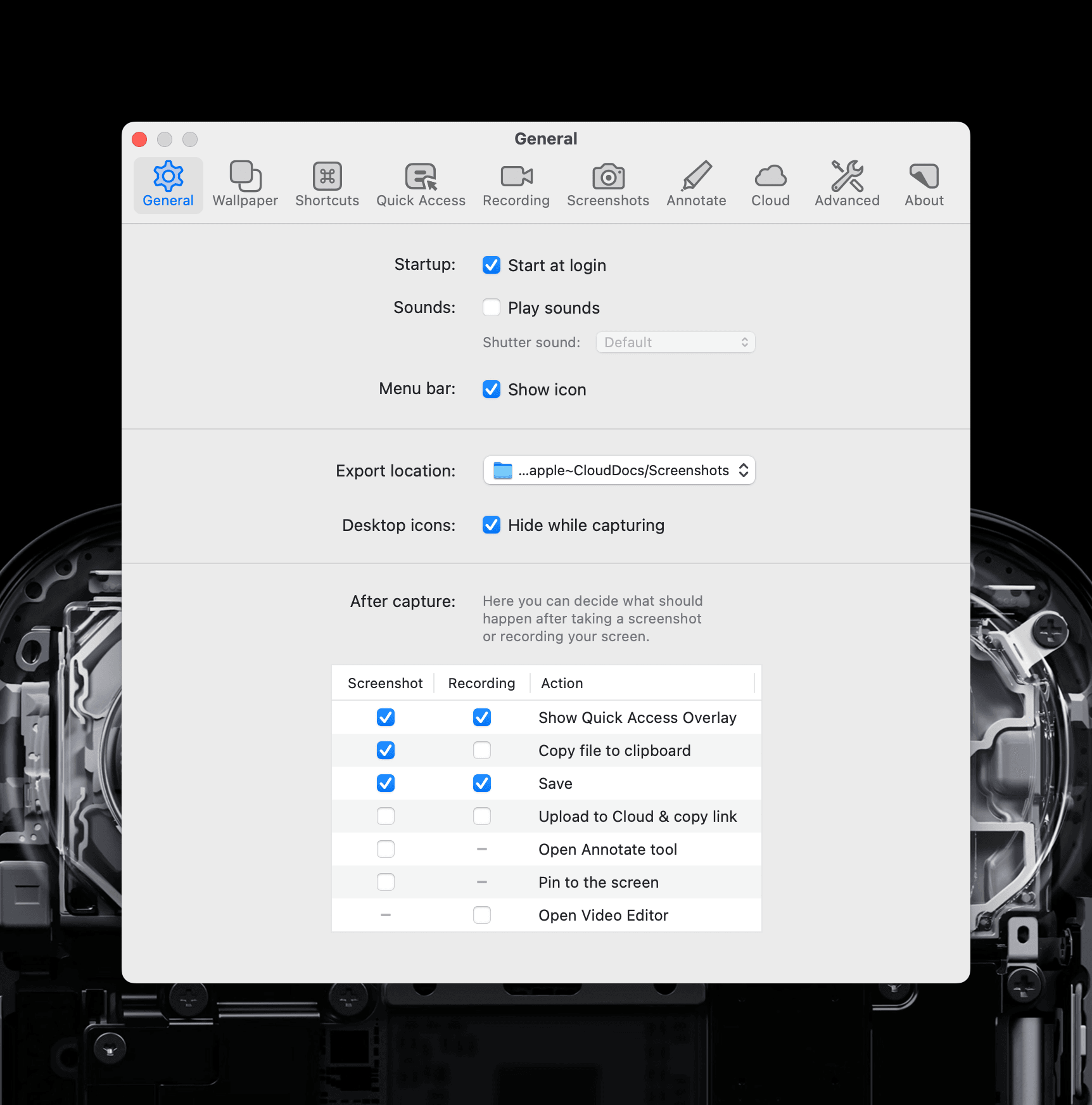
CleanShot can automatically copy your screenshots to your clipboard so that you don’t have to drag n drop or dig through finder menus to get screenshots into apps like Slack or Notion. Combined with Raycast’s clipboard history, it’s super easy to grab recent screenshots even if you’ve copied newer things to your clipboard.
A couple pro tips:
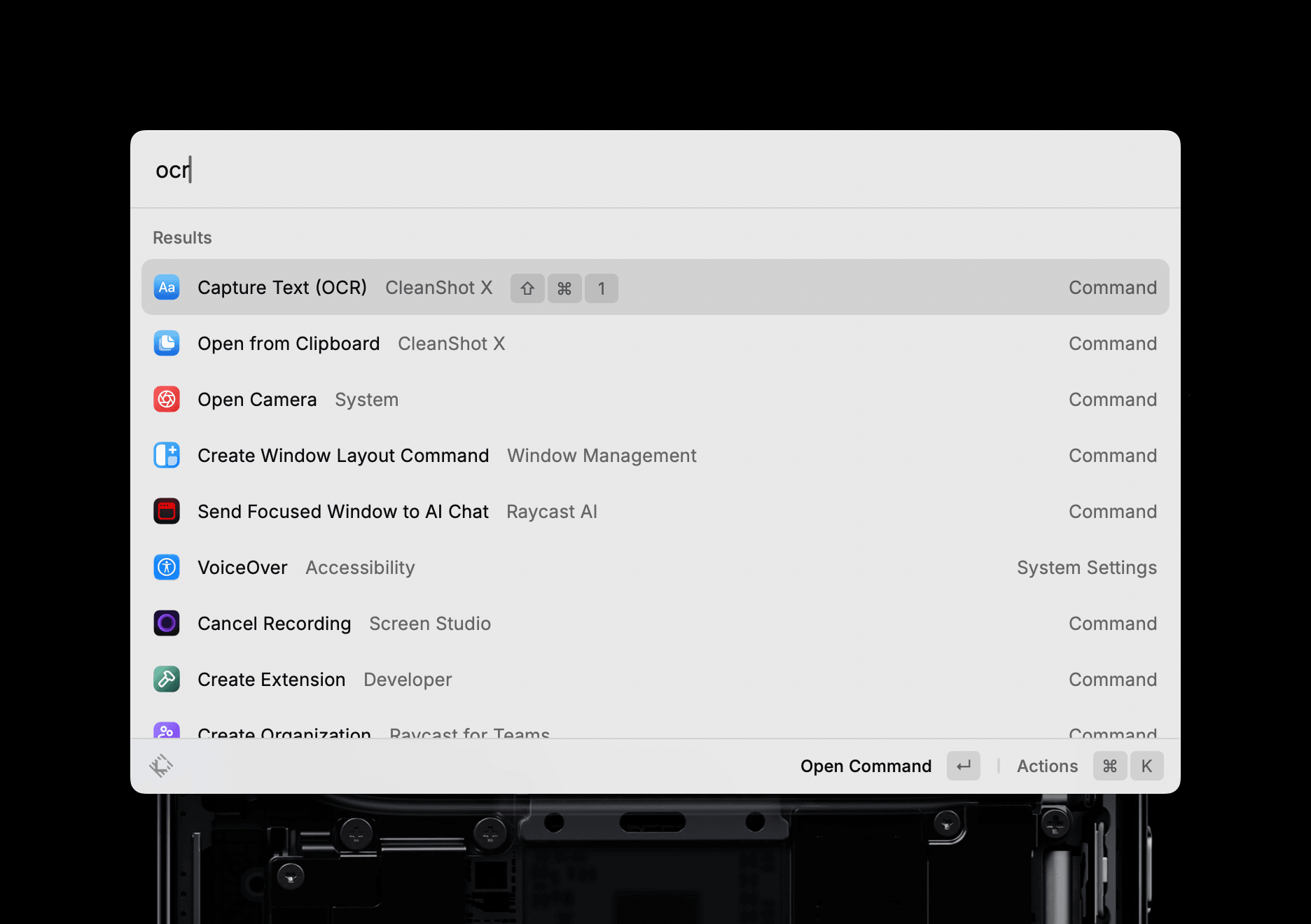
Demo:
Screen_Shot_2025-08-07_at_10.57.34.mp4
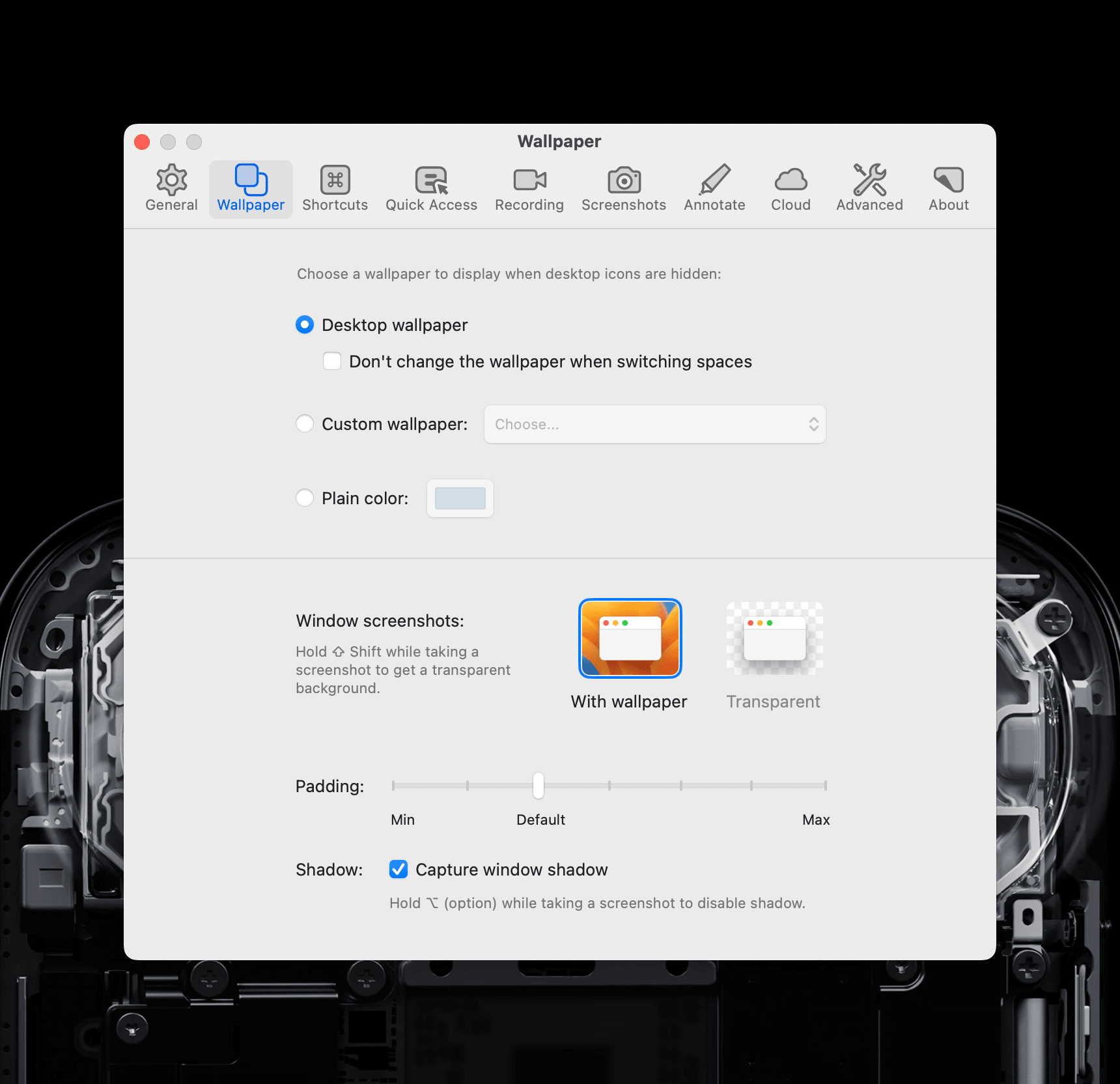
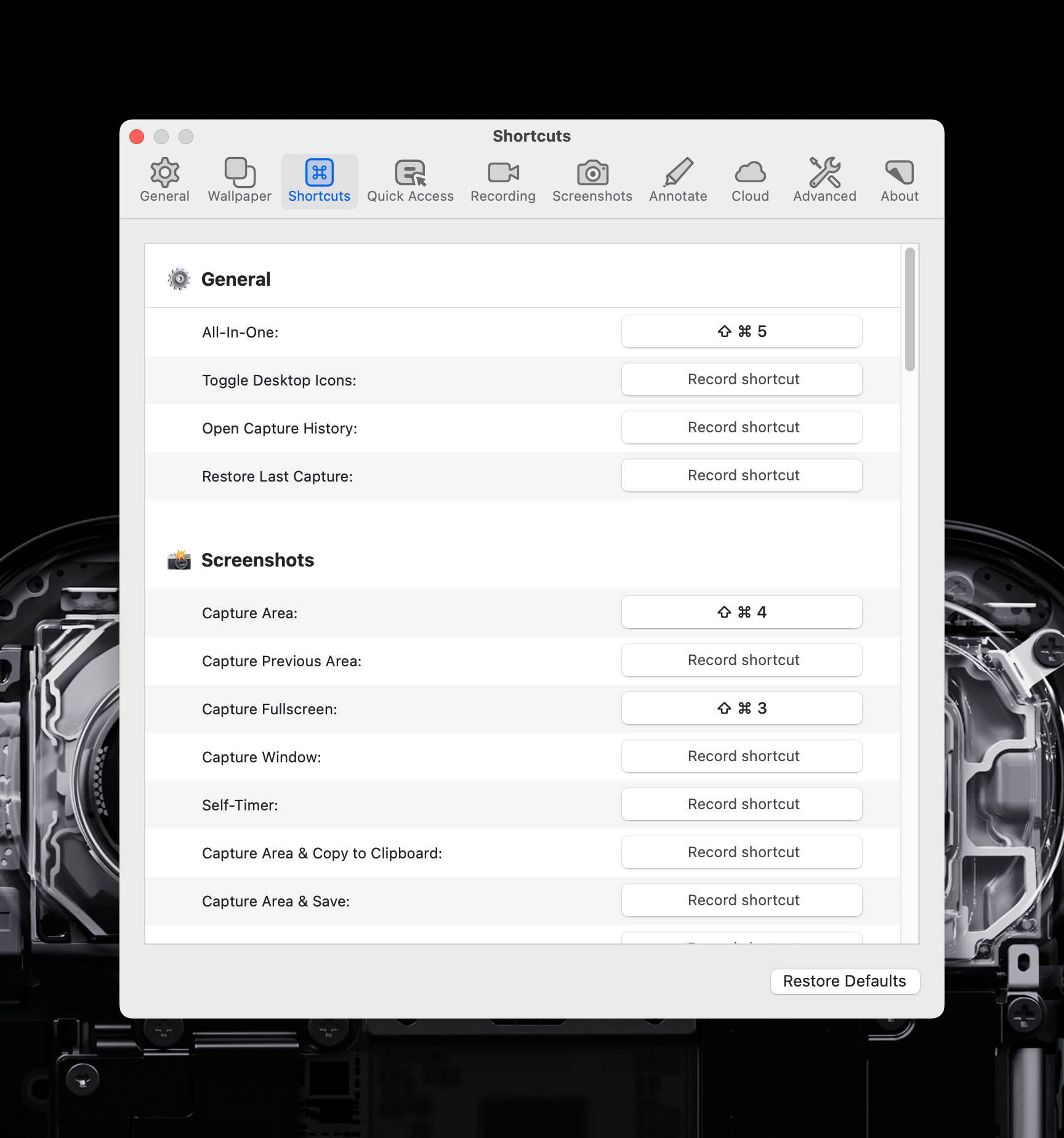
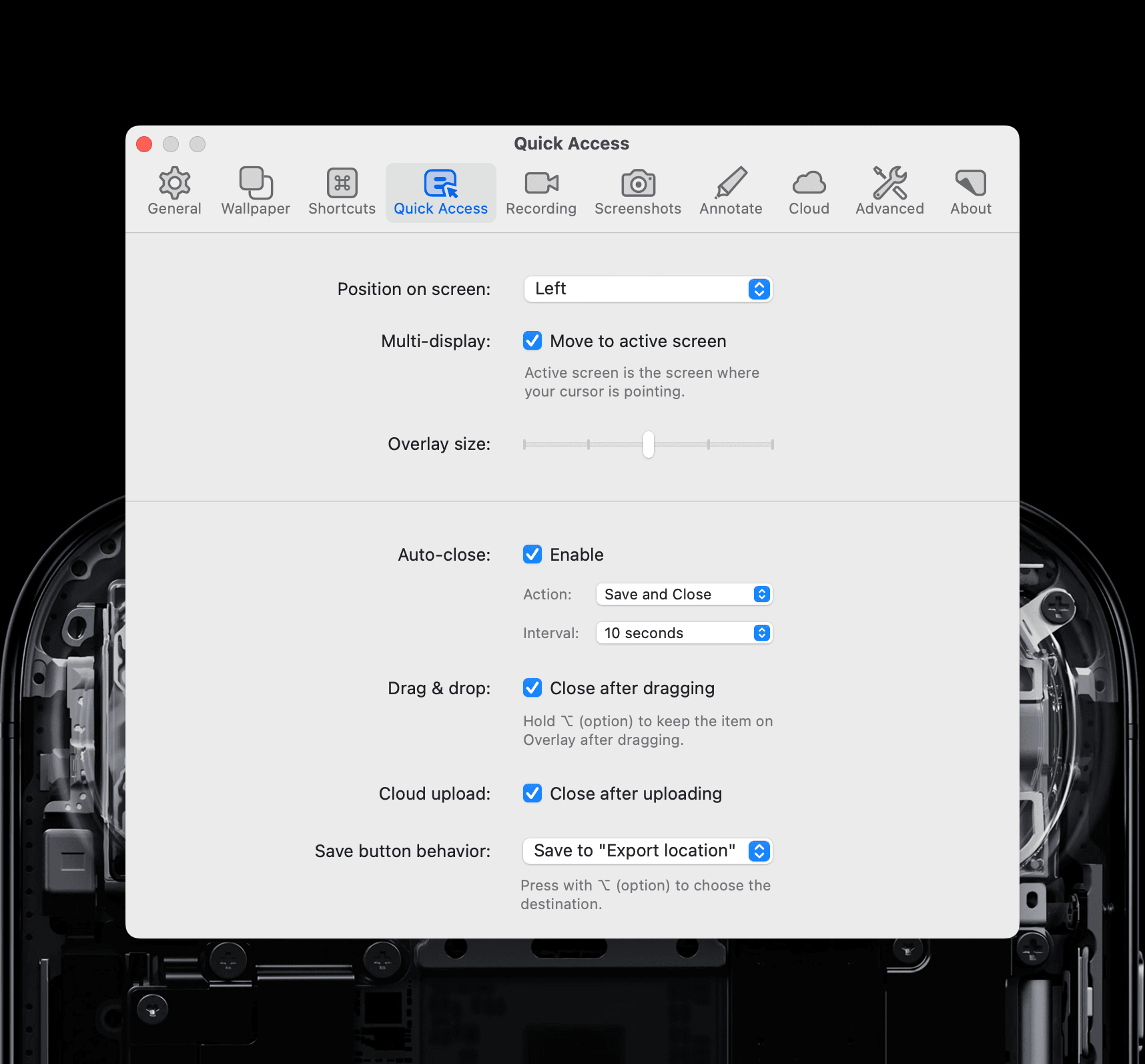
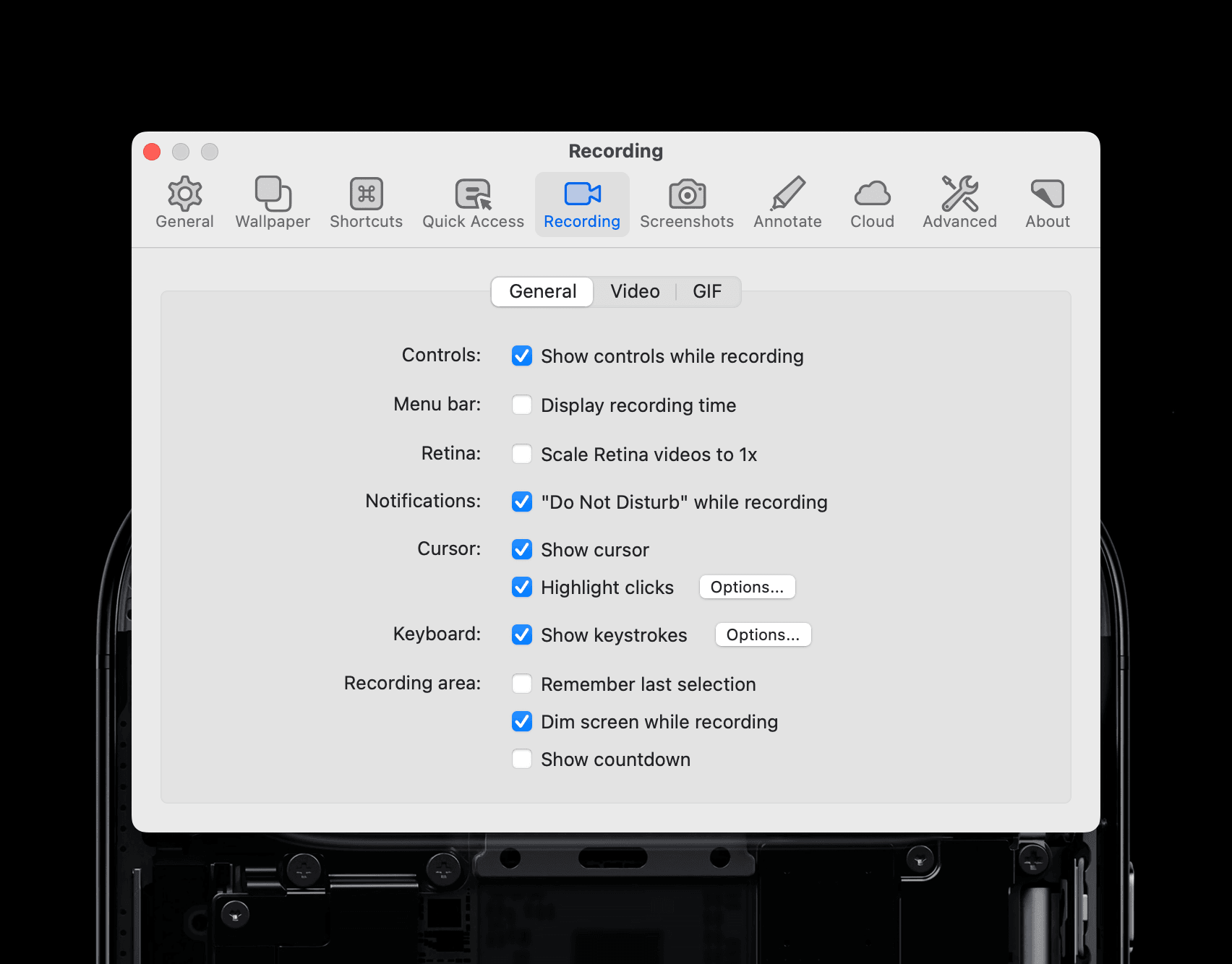
I recommend these settings: