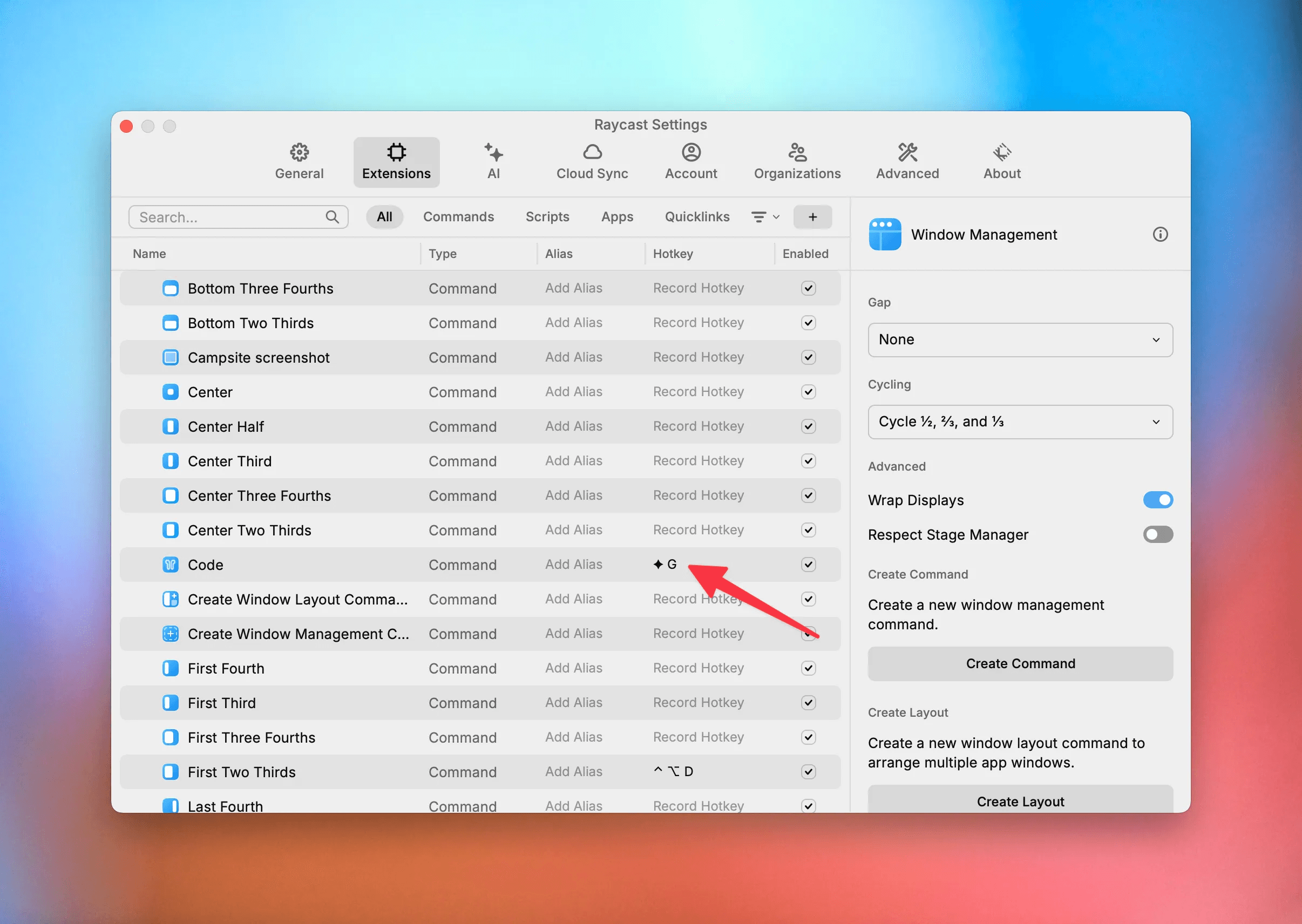
If you are ever dragging to resize a window, you’ve goofed.
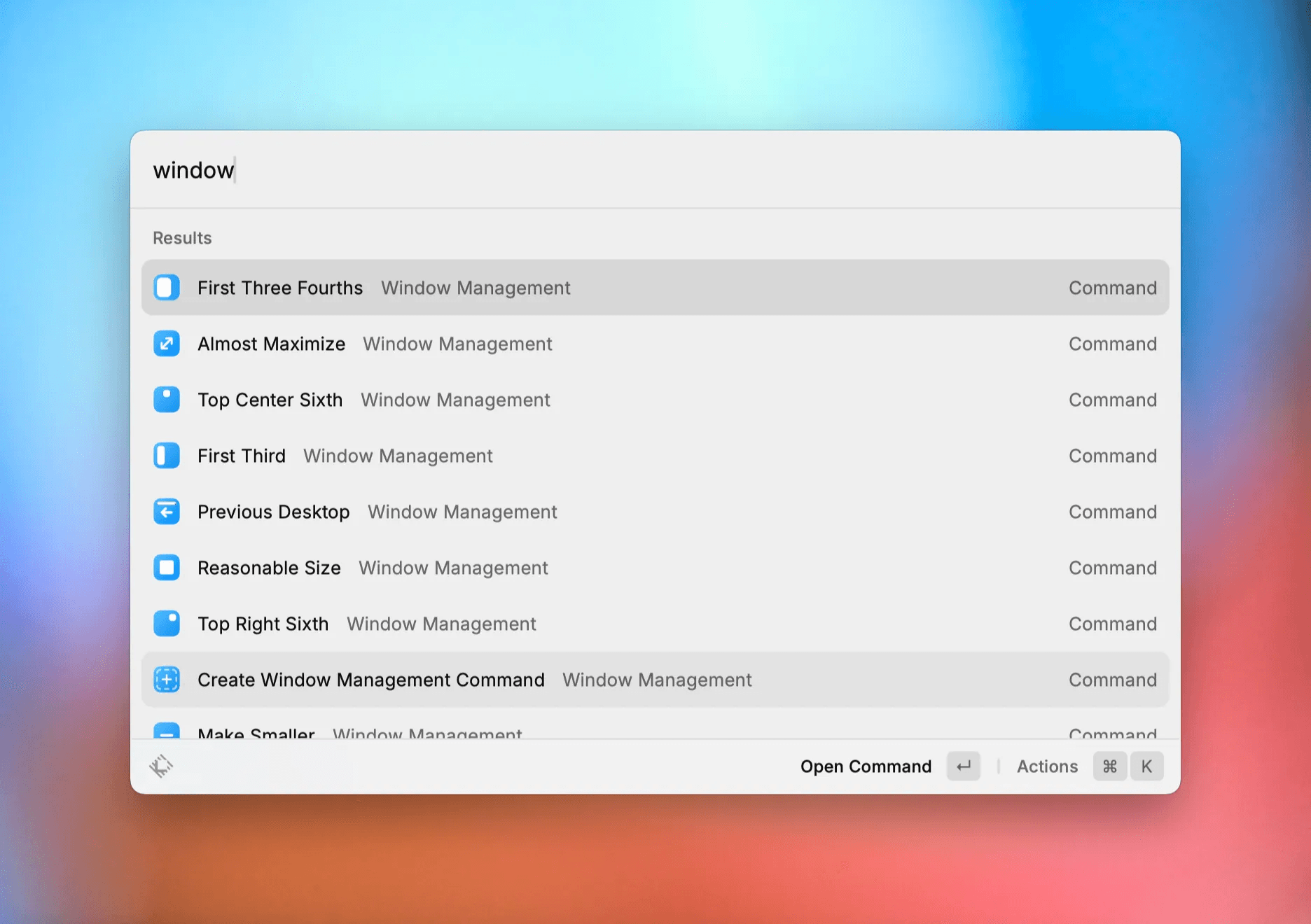
Raycast’s window management is best-in-class:
I have a handful mapped to keyboard shortcuts:
ctrl + ⌥ + ← left halfctrl + ⌥ + → right halfctrl + ⌥ + c centerctrl + ⌥ + enter maximize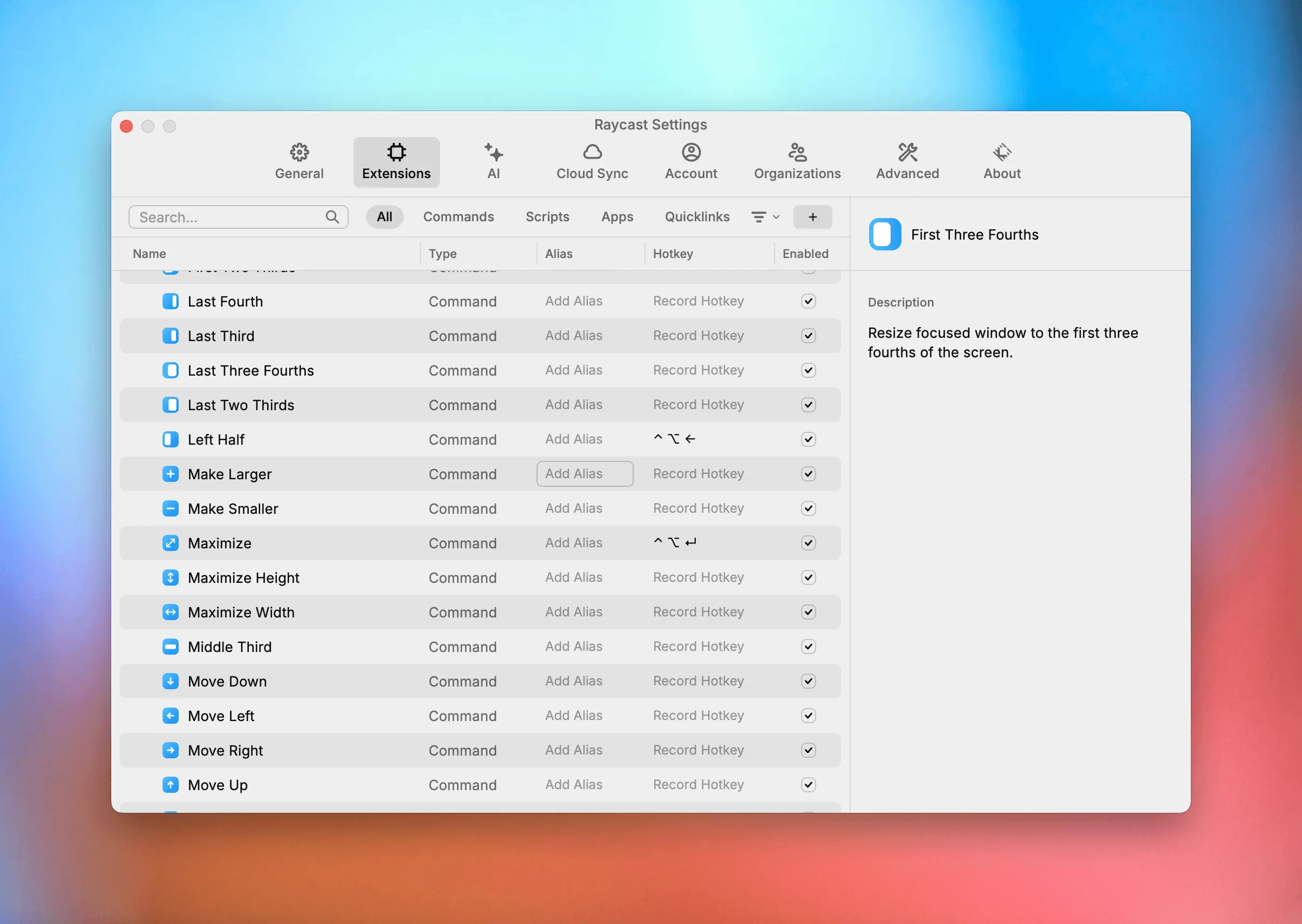
You can also create custom window configurations if you find yourself frequently working with certain apps arranged in a specific way (for example, I like to write code with my IDE on the right half of the screen and the browser on the left half).
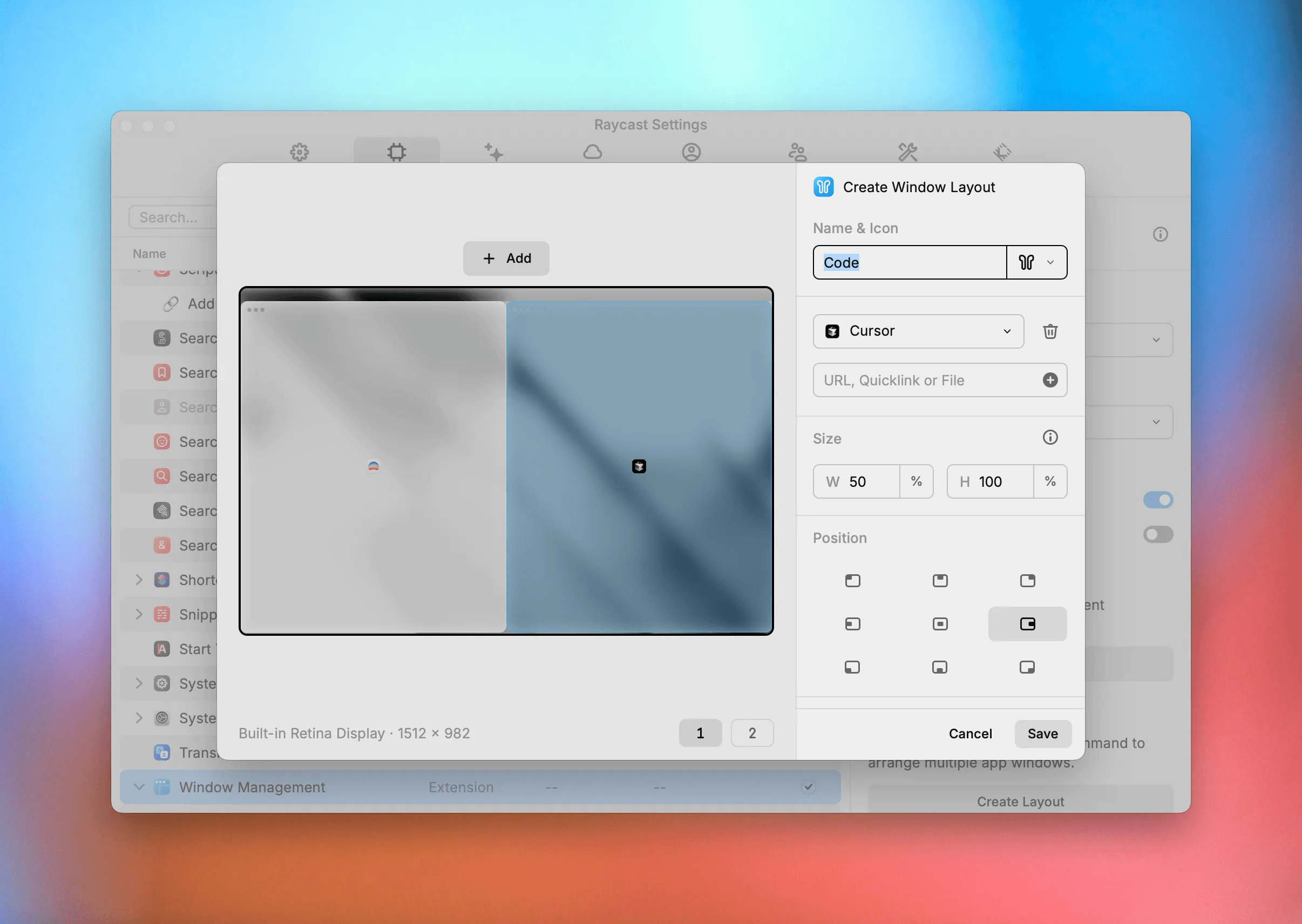
Combine this with Hyperkeys and you get super fast window management/arrangement for your workflows: